
Customer training portal
Who is in date? See it on one screen.
The NCT customer portal shows your company every delegate, every certificate and every expiry date, across all of your sites, with the training already booked and a quick way to request more.
Watch: the customer portal in 30 seconds
What you can see
Five screens, built around one question: are our people in date?
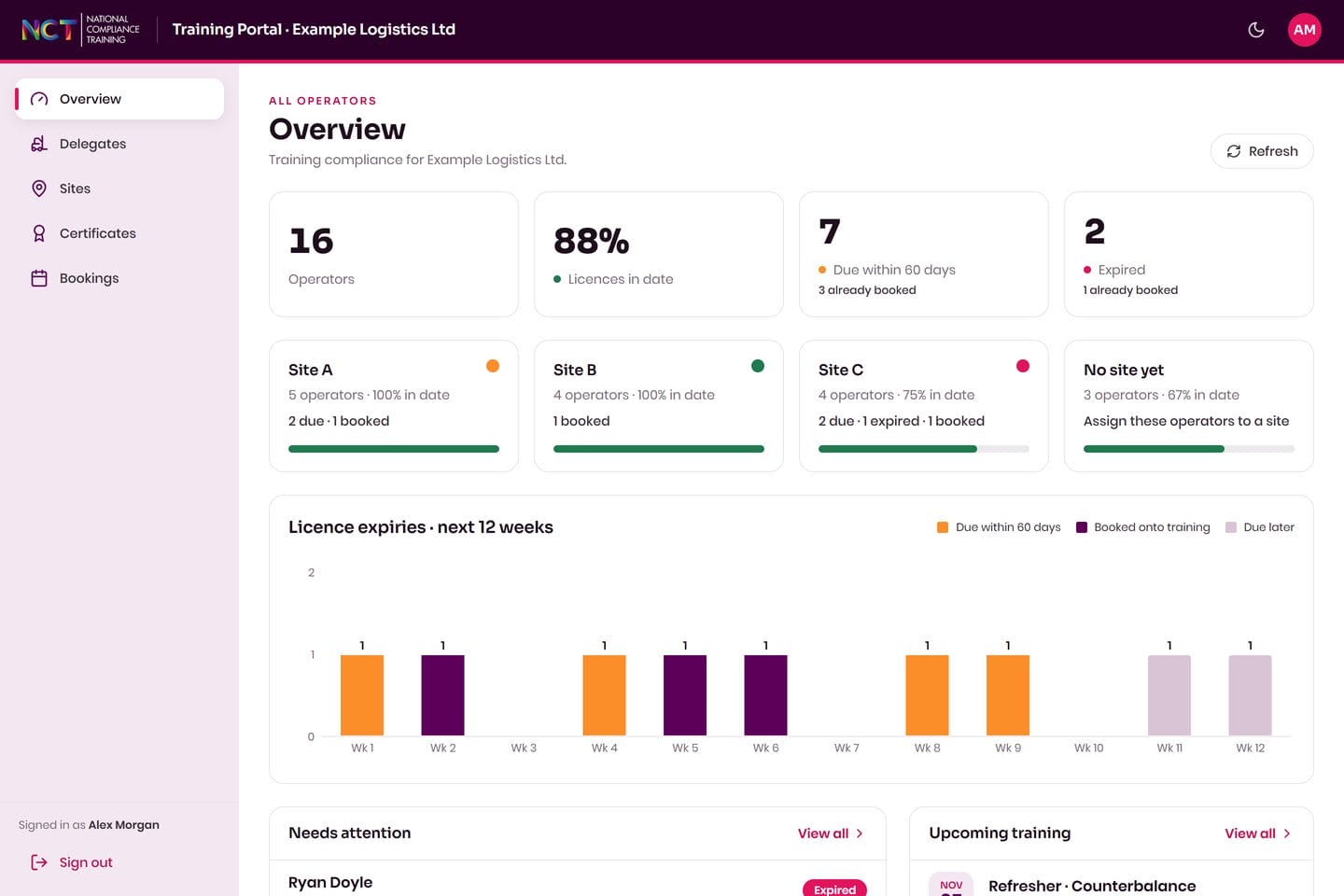
Your whole workforce on one screen
The overview shows how many of your people hold a current certificate, how many are due within 60 days and how many have expired, with a 12-week view of what is coming up.
- Percentage in date, at a glance
- Due within 60 days and expired counts
- A breakdown for each of your sites
 Illustrative data
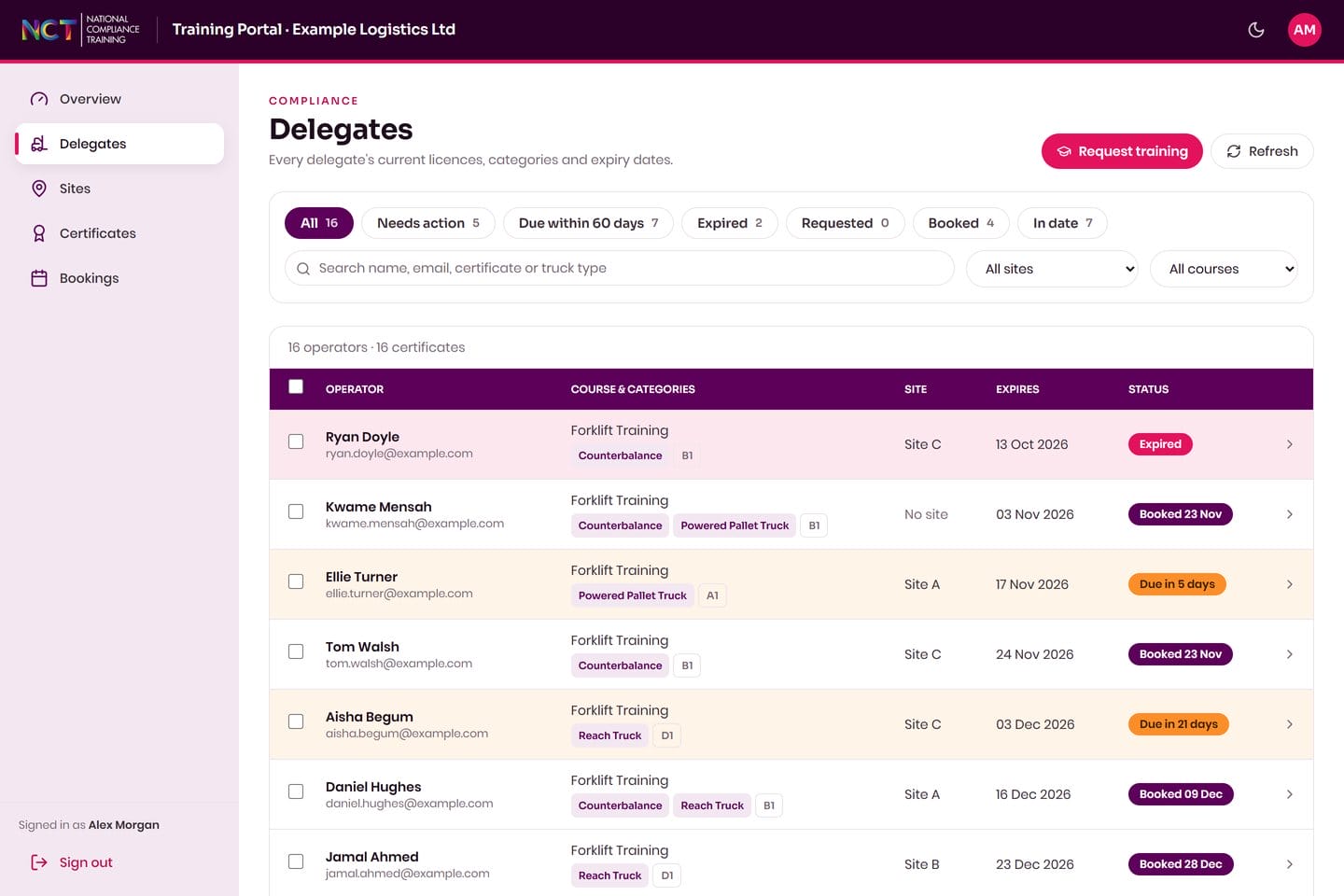
Every delegate, certificate and expiry date
Search by name, certificate or truck type, and filter to the people who need action. Each row shows the course, categories, site, expiry date and whether refresher training is already booked.
- Filter by needs action, due, expired or booked
- Search by name, email or certificate
- Filter by site or course
 Illustrative data
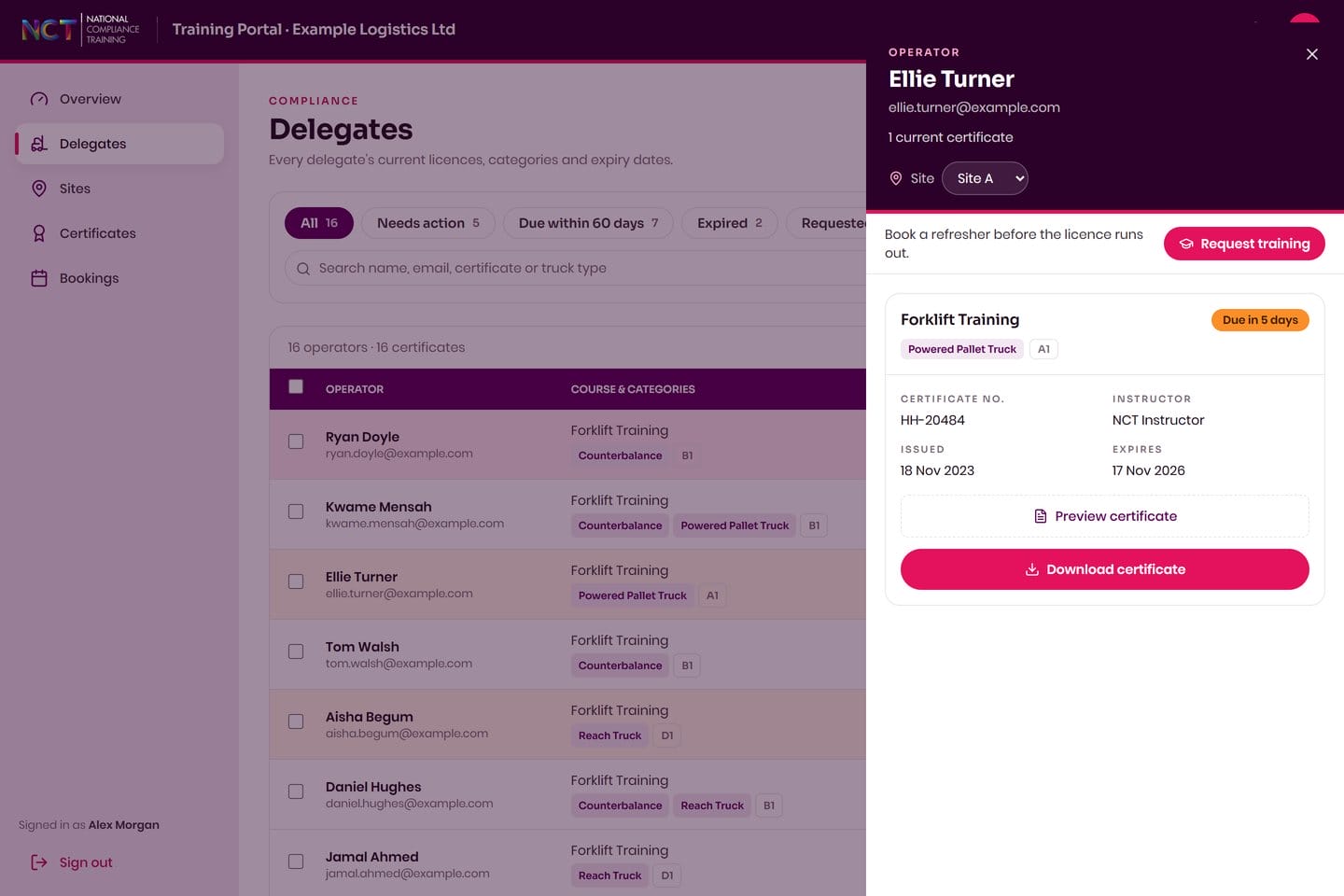
View or download any certificate
Open a delegate to see their certificate number, issue and expiry dates, then preview or download the certificate. Every certificate we have issued to your people is in one place.
- Preview before you download
- Certificate number, issue and expiry dates
- Ready when an auditor or customer asks
 Illustrative data
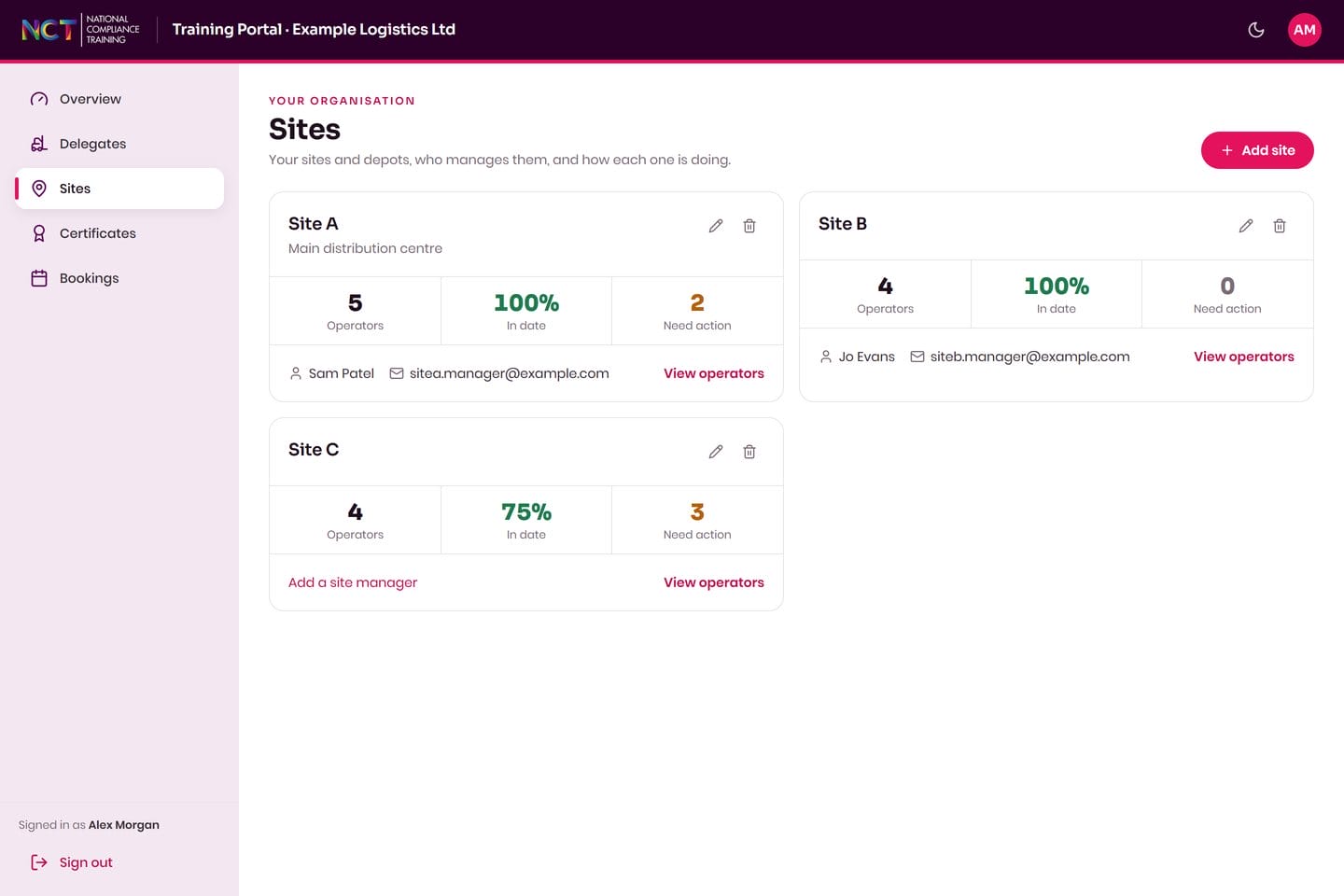
See how each site is doing
Group your people by site or depot, name a manager for each one, and compare how many are in date and how many need action.
- In-date percentage per site
- A named manager for each site
- Jump straight to that site's delegates
 Illustrative data
Request training in a couple of clicks
Pick the people who are due, choose your site or an NCT centre, and send the request. You can follow it, and everything already booked, under Bookings.
- Refresher or novice requests
- At your site or at an NCT centre
- See upcoming courses and who is on them
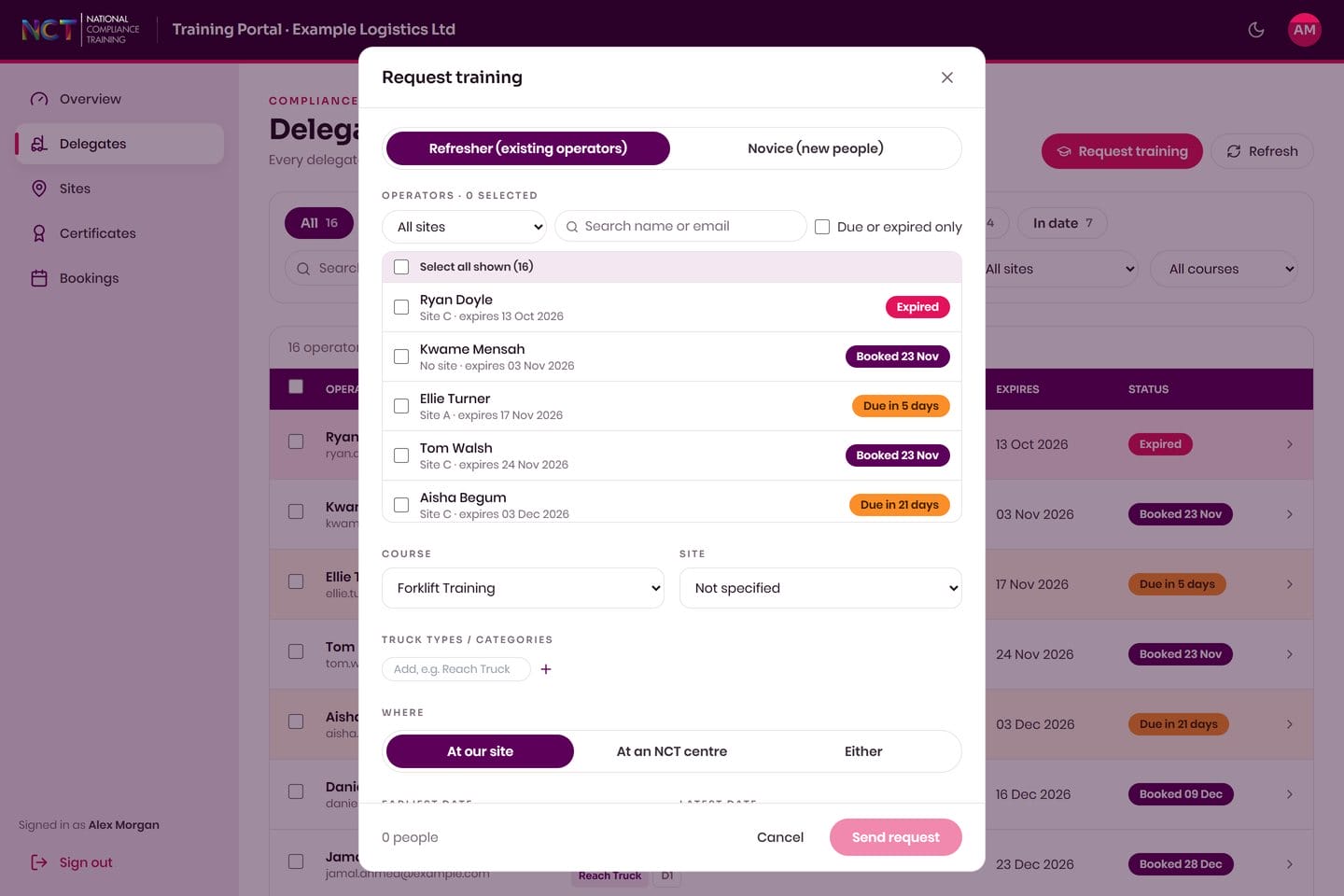 Illustrative data
Quick answers
What does the customer portal show?
Your people, the certificates we have issued to them, when each one expires, and the training already booked. You can filter to who needs action and download any certificate.
How do we get access?
Ask us. Call 020 3026 4629 or use the contact form and we will talk you through setting your company up.
Can we see more than one site?
Yes. You can group your people by site or depot, name a manager for each, and see how each site is doing.
Is the data on this page real?
No. The screens and the film on this page use illustrative data for an example company.